
 kevin@skalia.ca


LinkedIn Premium or Sales Navigator for Prospecting? The 2026 Comparison

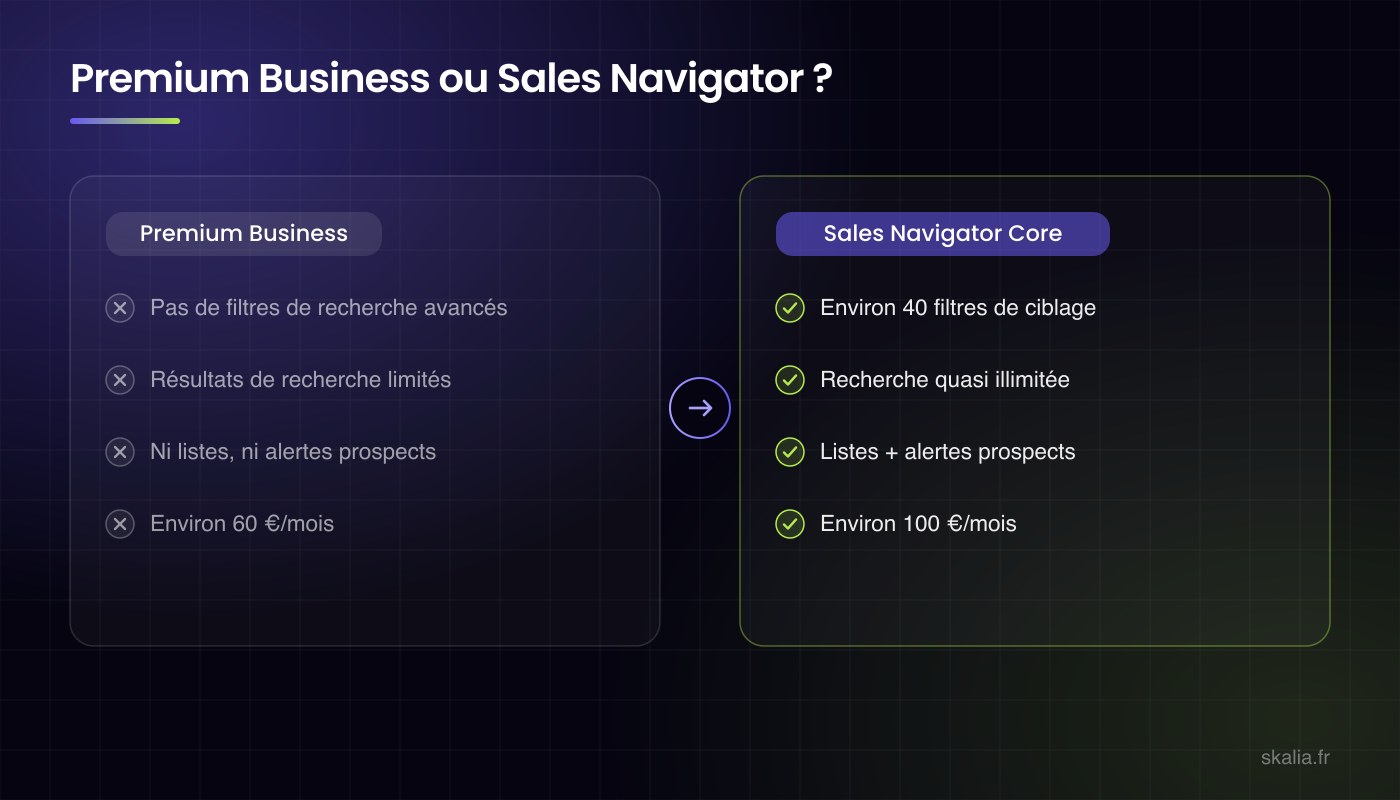
For prospecting, the answer is clear: Sales Navigator. Its advanced search filters (job title, company size, seniority, recent activity) are the foundation of serious targeting, something Premium Business simply doesn't offer. Here's the full comparison of plans, their pricing, and where each one actually makes sense.
- For prospecting, Sales Navigator wins hands down: advanced filters, lead lists, alerts, InMails.
- Premium Business is built for personal visibility and monitoring, not targeting.
- 2026 pricing order: Premium Business around €60/month, Sales Navigator Core around €100/month.
- The free account is enough to reply to prospects and maintain your network, not to target at scale.
The short answer: Sales Navigator, if your goal is prospecting
The confusion comes from the word "Premium": LinkedIn sells several paid plans that each serve a different purpose. Premium Career helps job seekers, Premium Business boosts personal visibility and monitoring, and Sales Navigator is the only one built for sales prospecting. If your goal is booking meetings, the question is already settled.
What does Sales Navigator do that Premium doesn't?
It comes down to one word: targeting. And targeting accounts for 50% of a campaign's results, as detailed in our LinkedIn prospecting method.
| Feature | Free account | Premium Business | Sales Navigator Core |
|---|---|---|---|
| Indicative 2026 pricing | €0 | around €60/month | around €100/month |
| Advanced search filters (job title, company size, seniority, location) | No | No | Yes, around 40 filters |
| Search results limit | Very restricted | Expanded | Virtually unlimited |
| Lead lists and alerts | No | No | Yes |
| InMails / month | 0 | 15 | 50 |
| Who's viewed your profile | Limited | Yes (90 days) | Yes |
| Compatibility with automation tools | Limited | Limited | Market standard |
InMails, often the headline feature, are actually secondary: a standard message sent after a connection request is accepted still performs better, and it's free. What justifies Sales Navigator is the filters, the lists, and the alerts (job changes, company news) that turn prospect research into a precision exercise.
When does each plan actually make sense?
- Free account: enough to maintain your network, reply to prospects, and post content. Not enough to target at scale: search results hit a ceiling fast.
- Premium Business: useful for monitoring, personal visibility, and the occasional InMail. Not a prospecting tool.
- Sales Navigator Core: the working tool as soon as you're prospecting seriously, whether solo or through an agency. At around €100/month, it pays for itself with your first signed client.
- Sales Navigator Advanced: useful for sales teams (shared lists, CRM integrations), rarely necessary for a freelancer or small business.
Practical note: if you work with an agency, Sales Navigator is usually still your expense since it's tied to YOUR profile; check this point when choosing your prospecting agency.
Key takeaways
- Prospecting = Sales Navigator. Premium Business addresses different needs (monitoring, visibility).
- Sales Navigator's value lies in the filters and the lists, not the InMails.
- Around €100/month, paid back with your first client: it's the single most profitable investment in the stack.
- The free account is still enough to manage conversations once prospects are engaged.
FAQ: Premium vs. Sales Navigator
Can I prospect with a free account?
On a very small scale, yes, but search limits and the lack of filters make targeting imprecise. As soon as volume matters, Sales Navigator becomes essential.
Does Sales Navigator increase my invitation quotas?
No, daily quotas stay exactly the same. It improves the quality of who you contact, not the quantity.
Is there a free trial?
LinkedIn regularly offers a one-month free trial of Sales Navigator. It's perfect for building your first targeted list and seeing the results firsthand before committing the budget.
Should I keep Sales Navigator year-round?
If you prospect continuously, yes: lists and alerts become more valuable over time. For a one-off campaign, one or two months are enough to build the foundation, but effective prospecting is rarely a one-off effort (the full system explained here).
Written by Kevin Sazarin, Growth Marketer and founder of Skalia (Toulouse).