
 kevin@skalia.ca


Google Business Photos: Which Ones, and How Many, in 2026?

A listing that's visually well-stocked builds trust and earns the click. Here's a breakdown of the photo types that actually matter, how many to aim for, the right update frequency, and the mistakes that tank your local visibility.
- Add several photo categories: exterior, interior, team, products, and logo.
- Aim for 20 to 30 photos at launch, several per category.
- Add 1 to 2 a month to keep the listing active.
- Avoid stock photos: real, sharp, geotagged photos only.
Which photos should you put on your Google Business listing, and how many?
Listings with quality, regularly-updated photos generate more clicks and more visits. The goal: cover several categories (exterior, interior, team, products) with enough volume, then keep them updated. Aim for 20 to 30 photos at launch, then 1 to 2 new ones every month.
Google favors active, well-documented listings. An empty listing, or one with two blurry photos, sends a bad signal — both to the visitor and to the algorithm. A rich, up-to-date gallery, on the other hand, builds trust before the very first contact.
It's not just about image. Photos play into your local rankings and your conversion rate. They're often the first point of contact with your business, even before your website.
Which types of photos actually matter?
Five photo families make the difference: exterior, interior, team, products or services, and identity visuals (logo, cover photo). Each answers a question the visitor is asking: where is it, what does it look like, who am I going to meet, what am I buying. Covering all five creates a complete, credible listing.
Photos that reassure before the visit
The exterior helps customers find and recognize you on the street. The interior shows the atmosphere and the level of service. Team photos humanize your business and build trust, especially locally.
Photos that drive action
Product or completed-work photos show concretely what you sell. A tradesperson shows their job sites, a restaurant its dishes, a hairdresser their cuts. These visuals directly answer purchase intent and increase conversion.
| Photo type | Goal | Best practices |
|---|---|---|
| Exterior | Get spotted and recognized | Daytime facade, visible signage, clean entrance |
| Interior | Show atmosphere and service | Natural light, multiple angles, clean and tidy |
| Team | Humanize and build trust | Real people at work, smiling, professional attire |
| Products / services | Drive purchase | Concrete completed work, before/after, sharp close-ups |
| Logo and cover | Reinforce brand identity | Logo in the right format, representative cover photo |
How many photos should a Google Business listing have?
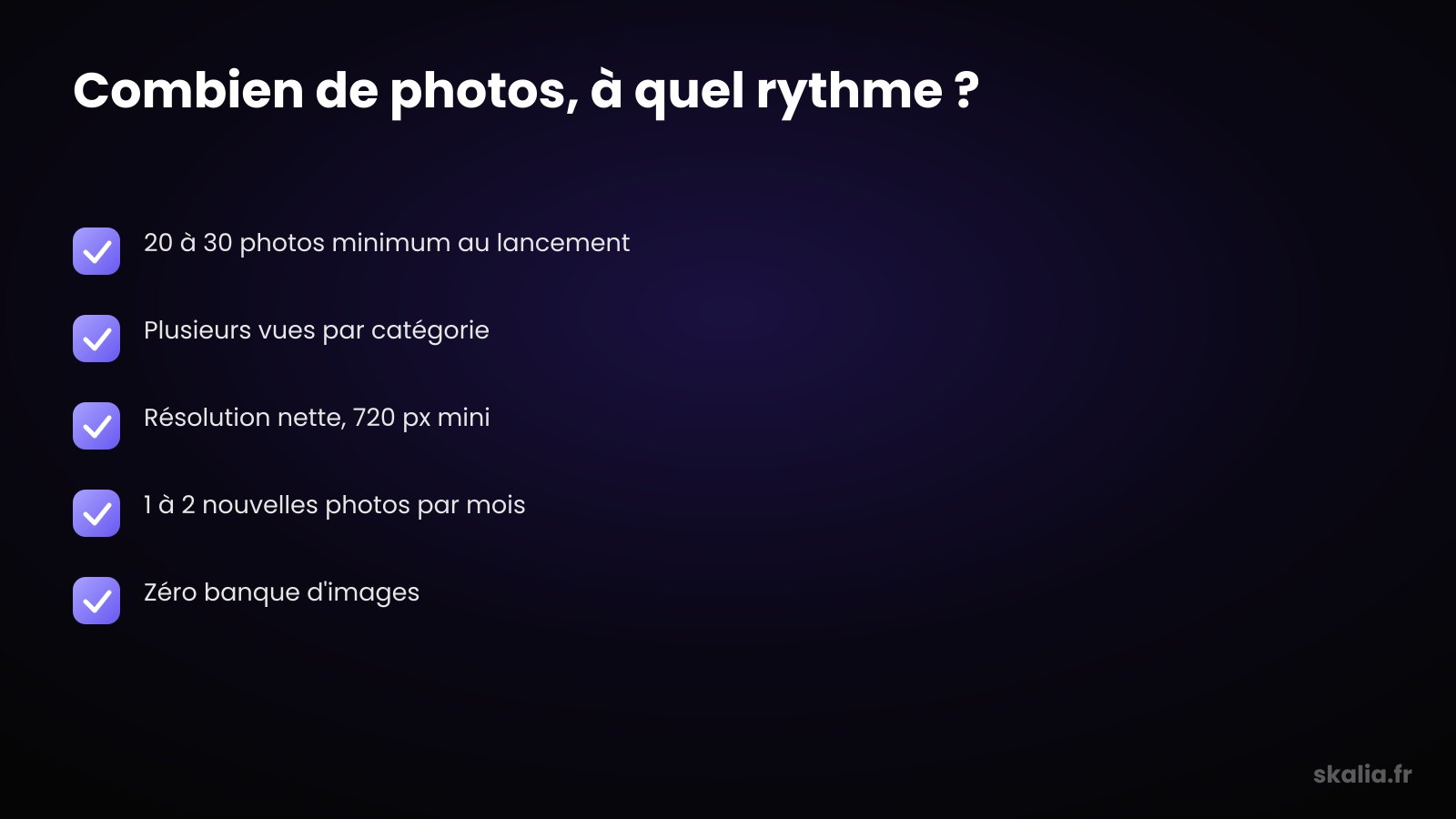
Aim for 20 to 30 photos right from launch, spread across every category. There's no useful ceiling: the richer and more varied your gallery, the more active and trustworthy the listing appears. What matters isn't a magic number, but coverage: several views per category rather than a single photo per theme.
In practice, plan for at least 3 to 5 photos per family. Three exterior shots, a few interior photos from different angles, two or three team portraits, and a series of your products or completed work. That base already gives you a solid gallery.
Don't chase perfection on day one. It's better to publish a decent gallery and grow it over time than to wait for the perfect photoshoot that never happens.
How often should you update your photos?
Add 1 to 2 new photos a month to keep the listing active. Google rewards regularly-fed listings, and a gallery frozen for two years signals an inactive business. A light monthly rhythm is enough to stay fresh without spending hours on it.
Take advantage of natural moments: a new project, a renovation, a season, an event. Every occasion becomes a photo. A tradesperson photographs finished job sites, a restaurant its new seasonal dishes.
Also remember to remove outdated photos. Old premises, dated decor, or a discontinued product create confusion. An up-to-date gallery reflects the business as it is today.

What best practices make photos perform?
The golden rule: real, sharp, well-lit photos, taken on your premises. Google recommends a minimum resolution of about 720 pixels per side, a standard format (JPG or PNG), and good lighting. The perceived quality of your photos reflects directly on the listing's credibility.
Favor natural light and avoid dark or blurry images. Take several angles, frame cleanly, show the details that matter. A recent smartphone is more than enough for a clean result.
Geotagging helps too. Photos taken on-site, with location data enabled, strengthen the link between your visuals and your actual address. It's a consistency signal for local SEO.
Finally, encourage your customers to post their own photos. Visitor-added visuals enrich the listing and play the same social-proof role as Google reviews. That dynamic strengthens your overall local presence.
Which mistakes should you absolutely avoid?
The most common mistake: using stock photos or generic images. Google can detect them and flag them as unrepresentative, and visitors quickly spot a stock visual. These photos break trust instead of building it and add zero local value.
- Blurry, dark, or poorly framed photos that undersell the business
- A logo or text overlaid on photos, which Google views unfavorably
- A gallery frozen for months, signaling an abandoned listing
- A single photo per category, offering too little coverage
- Photos of old premises or discontinued products
Another trap: neglecting how photos connect to a complete listing. Your visuals are part of a broader optimization, alongside Google local pack signals and a fully filled-out listing. Great photos on an incomplete listing aren't enough.
What's the real impact on local SEO and conversion?
Photos act on two levers: visibility in the local pack and contact rate. A listing rich in visuals looks more complete and active to Google, which helps ranking. On the visitor side, concrete photos remove doubt and trigger the call, the directions request, or the visit.
It's a virtuous circle. The more clicks and interactions your listing generates, the more relevant Google considers it, and the higher it climbs. Photos feed that engagement signal, alongside reviews and posts.
To go further, fold photos into a structured optimization approach with our complete Google Business Profile 2026 guide. The listing is an asset: the more you maintain it, the more it works for you.
FAQ
How many photos should a Google Business listing have?
Aim for 20 to 30 photos at launch, spread across every category: exterior, interior, team, and products. There's no useful ceiling. Plan for at least 3 to 5 photos per family, then keep growing the gallery over time.
How often should you add new photos?
Add 1 to 2 photos a month to keep the listing active. Google rewards regularly-fed listings. Take advantage of natural occasions: a new project, a season, an event. Remember to remove outdated photos that no longer reflect your current business.
Can you use stock photos?
No, avoid it. Google can detect generic images and flag them as unrepresentative, and visitors quickly spot a stock visual. Only use real photos taken on your premises: that's what builds trust and serves local SEO.
Do photos really improve local rankings?
Yes, indirectly. A listing rich in photos looks more complete and active to Google, which helps its ranking in the local pack. More importantly, photos increase clicks and contacts — an engagement signal the algorithm factors into ranking listings.
Want a Google listing that actually attracts customers?
At Skalia, we optimize Google Business listings for local businesses: photos, reviews, posts, and overall consistency to capture nearby demand. Photos are only one piece of the puzzle, but they carry a lot of weight on that first click. If you want to turn your local presence into real appointments, our approach is built on a proven local SEO agency method in Toulouse. Let's talk.