
 kevin@skalia.ca


How to Create a Google Business Profile Listing in 2026 (Step by Step)

A well-filled-out Google Business Profile listing is the number one lever for local visibility on Google Maps and the local pack. Here's how to create it, verify it, and avoid the mistakes that block your rankings, step by step.
- You need a Google account, then create or claim your listing at google.com/business.
- Verification (mail, phone, email, or video) unlocks visibility: expect anywhere from a few minutes to 14 days.
- Choose ONE precise primary category, plus secondary categories.
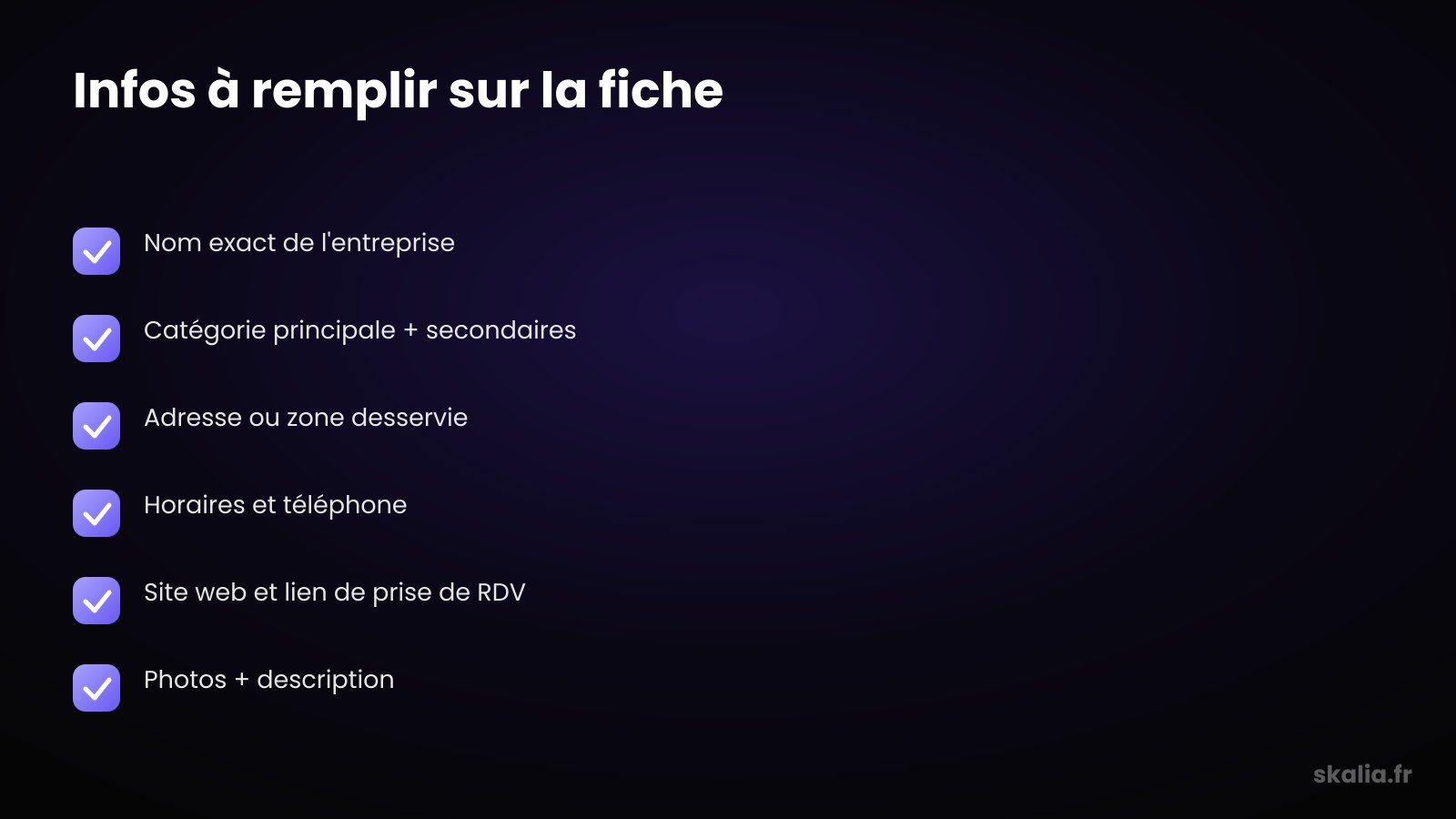
- Fill in the exact name, address or service area, hours, phone, website, and photos.
- No physical premises? Turn on "service area" mode.
What is a Google Business Profile listing, and why create one?
A Google Business Profile listing is the free profile that displays your business on Google Search and Google Maps. It's the foundation of your local visibility: without it, you won't appear in the local pack (the 3 results with a map) or on Maps. It brings together your info, reviews, hours, and photos in one place.
For a local business, it's often the number one source of contacts. People who find you on Maps have strong intent: they're looking for a tradesperson, a shop, or a practice near them, right now.
The listing replaced the old "Google My Business." The name changed, the logic stayed the same: the more complete and active your profile, the better Google ranks you locally. If you're just starting out on the topic, our complete Google Business Profile 2026 guide covers the basics.
What do you need before creating your listing?
Before creating a Google Business Profile listing, you need three things: a Google account, your business's exact information, and proof of presence (an address or a professional phone number). Gather these first — you'll save time at the verification stage.
Prepare the exact legal or trade name as it appears on your storefront and your documents. Add the full address (or the area you cover), a reachable phone number, your real hours, and your website URL.
Preferably use a Gmail address dedicated to the business, not your personal account. This makes it easier to share access with a partner or an agency later, without mixing your private and professional data.
How do you create or claim your listing, step by step?
Go to google.com/business, sign in, then enter your business name: Google offers you either to create a new listing or to claim an existing one. That's the first decision to make, and it depends on whether Google already knows about you.
If a listing already exists (auto-generated or created by a former manager), whatever you do, don't duplicate it: claim it instead. A duplicate listing dilutes your reviews and muddies your rankings. If someone else owns it, submit an access request from the same interface.
| Step | Action | Tip |
|---|---|---|
| 1. Google account | Sign in with a professional Gmail address | Create an account dedicated to the business |
| 2. Create / claim | Search your name at google.com/business | Always claim rather than duplicate |
| 3. Business type | Storefront, online, or service area | Check "service area" if you travel to customers |
| 4. Verification | Mail, phone, email, or video | Choose the fastest option offered |
| 5. Info & photos | Name, address, hours, categories, visuals | Fill in 100% of the fields |
What are the verification methods, and how long do they take?
Google offers four verification methods: postal mail, phone, email, and video. The options shown vary by your business and location: you don't freely choose, Google imposes whatever is available for your profile.
Phone and email are nearly instant (a few minutes). Postal mail, with a code sent to your address, generally takes 5 to 14 days. Video verification, increasingly common, requires filming your premises, your equipment, and proof of management: processing ranges from a few minutes to several days.
Until the listing is verified, you can fill it in but it stays largely invisible. Don't create a second listing out of impatience: wait for the code, or restart verification from the interface.
Which primary category and secondary categories should you choose?
Choose a single primary category, as precise as possible, since it carries the most weight in your local rankings. "Plumber" rather than "Service business," "Italian restaurant" rather than "Restaurant." Then add secondary categories to cover your other services.
The primary category tells Google your core business and triggers your appearance on the right searches. Secondary categories broaden your reach without replacing it. Stay honest: only check categories you genuinely practice.
Look at the categories your well-ranked competitors use to spot the most relevant ones. This setting directly influences your presence in Google's local pack, so take the time to get it right.
What information should you fill in for a complete listing?
Fill in the exact name, address or service area, hours, phone, and website: a 100%-complete listing ranks better than a partial one. Google favors accurate, up-to-date profiles because they reassure the searcher and reduce friction before contact.
The name should be your real business name, with no keywords or city added. "Dupont Plumbing" is fine; "Dupont Plumbing Toulouse Cheap 24/7" is an over-optimized name that Google can penalize. Fill in exact hours and remember special hours (public holidays).
Add a link to your website and, if possible, a booking or quote-request link. Write a clear description of up to 750 characters: what you do, for whom, in what area, with no keyword stuffing.
Photos and visuals
Add at least a logo, a cover photo, and a few real photos of your premises, products, or completed work. Listings with photos generate more clicks and calls than listings with no visuals. Update them regularly to show an active business. To go further, see our tips on photos that perform on your Google listing.
What if you don't have premises, or you run a home-based business?
If you don't have premises open to the public, turn on "service area" mode: you hide your address and instead declare the cities or areas you cover. This is the typical case for tradespeople, repair technicians, in-home coaches, or any provider who travels to the client.
In practice, when creating your listing, indicate that you deliver or work at your customers' locations, then list your areas (cities, zip codes, or radius). Your personal address stays private, but your listing still shows up for local searches in those areas.
Never invent a fake address or a P.O. box to "cover" more cities: it's one of the most common causes of listing suspension. An honest service area protects your profile and your reputation.
What common mistakes should you avoid?
The three most common mistakes are an over-optimized name, a fake address, and a duplicate listing: each one can get your profile suspended. Google watches for these practices, and a suspension can make you invisible locally for weeks.
Also avoid made-up categories, hours that never get updated, no photos, and ignoring reviews. A listing created then abandoned loses ground to competitors who reply to reviews and post regularly. Knowing how to get Google reviews is a direct multiplier of your visibility.
- Over-optimized name (keywords or city added): keep the real name.
- Fake or shared address: use the service area instead.
- Duplicate listing: claim, don't recreate.
- Empty fields: aim for 100% completion.
Create your listing, then make it perform with Skalia
Creating a Google Business Profile listing takes an hour; turning it into a steady source of customers takes a real local SEO strategy. Categories, reviews, photos, posts, and information consistency all work together to push you up in the local pack and on Maps.
At Skalia, we help small and mid-sized businesses in Toulouse and beyond create, optimize, and keep their listing active to capture high-intent local searches. Want a profile that actually generates calls? Discover our local SEO & Google Business Profile service. Let's talk.
FAQ
How long does verifying a Google Business Profile listing take?
It depends on the method Google imposes. Phone and email are nearly instant, video ranges from a few minutes to a few days, and postal mail takes 5 to 14 days. Until the listing is verified, it stays largely invisible.
Can I create a listing without a physical address?
Yes. Turn on "service area" mode when creating the listing: your address stays private and you declare the cities or areas you cover. It's the solution for tradespeople, repair technicians, and providers who travel to customers, with no premises open to the public.
What should I do if a listing already exists for my business?
Don't duplicate it: claim it. On google.com/business, search your name and start the claim process. If someone else owns it, request access through the interface. A duplicate listing dilutes your reviews and hurts your local rankings.
Can my listing's name include my city or keywords?
No. The name must match your real business name, with no city or keywords added. An over-optimized name like "Toulouse Plumber Cheap" violates Google's guidelines and exposes your listing to suspension.